If you manage a multi‑tenant office, mixed‑use building, or small portfolio, you already know the front door can make or break a day. A courier cannot reach the right suite; a visitor waits in the rain; your receptionist juggles calls because the buzzer is unreliable, and everyone looks to you to fix it. What used to be a simple door station has become a friction point for tenants, staff, and security.
As commercial intercom systems have evolved far beyond the familiar wall-mounted call box, choosing the right system is more complicated.
A warehouse or factory may need reliable audio at a noisy delivery entrance or loading area. An office building might require video verification and receptionist-controlled door release. An apartment community may need hundreds of residents to answer visitors from their smartphones. A larger commercial property may want intercoms, security cameras, visitor management, and access control operating as one coordinated security system.
Understanding the differences between analog and IP intercoms, audio and video systems, mobile capabilities, and multi-tenant platforms can help you choose technology that fits both your building today and your security plans for the future.
What Is a Commercial Intercom System?
A commercial intercom system provides two-way communication between a person requesting entry and someone inside a building who can respond.
At its simplest, the system may consist of an exterior door station with a speaker and microphone connected to an interior answering station. More advanced commercial intercom systems can include:
- Cameras and video communication
- Touchscreen monitors
- Tenant or resident directories
- Smartphone and mobile app integration
- Cloud-based management
- Electronic door release
- Access control integration
- Connections with other security systems
The right configuration depends heavily on the property.
An office may place a video intercom at the main entrance so reception can verify a visitor before allowing entry. A warehouse may use an industrial intercom at a loading area where background noise makes ordinary communication difficult. A gated community or apartment building may need a tenant directory that lets visitors contact individual residents.
The common objective is the same: establish communication and verify the visitor before access is granted.
Analog vs. IP Intercom Systems
One of the first decisions is whether the property needs a traditional analog intercom or an IP-based system.
Analog Intercom Systems
Analog intercoms typically rely on dedicated wiring between door stations and answering stations. They remain useful in buildings where existing infrastructure already supports them or where communication requirements are relatively straightforward.
For a simple point-to-point application, replacing an existing analog system may sometimes be more practical than redesigning the entire communications infrastructure.
However, analog architecture can become more restrictive as requirements grow.
Potential considerations include:
- Additional dedicated wiring when expanding the system
- More complicated expansion across multiple entrances
- Limited mobile app functionality
- Fewer options for remote administration
- More difficulty integrating with newer security platforms
- Challenges modernizing legacy gate entry systems or systems dependent on traditional landlines
IP Intercom Systems
An IP intercom communicates through an Internet Protocol network rather than relying solely on dedicated analog wiring.
That network connection can enable capabilities such as:
- High-quality video communication
- Mobile app integration
- Remote administration
- SIP communications
- Centralized system management
- Cloud-based functionality
- Access control integration
- Easier expansion across doors and buildings
An IP door station can potentially communicate with a receptionist’s desk station, touchscreen SIP multimedia station, security control room, or an authorized user’s smartphone.
IP architecture can also make expansion easier. A company adding another entrance, building, or location may be able to extend the system through network infrastructure rather than creating an isolated communication system at every door.
Analog vs. IP: Which Should You Choose?
Neither architecture is automatically right for every commercial property. The decision should account for the building’s existing intercom wiring and IP network, the number of entrances, video and mobile requirements, cybersecurity considerations, access control integration, and future expansion plans.
A relatively simple existing installation may not require an extensive IP deployment. However, organizations planning mobile access, video communication, centralized management, or broader security integrations will have more reasons to consider an IP-based architecture.

Video vs. Audio-Only Commercial Intercoms
Another important question is whether users need to hear a visitor or both hear and see them.
When Audio-Only Intercoms Make Sense
Audio-only intercoms can still make sense where visual verification provides little additional benefit. Warehouses, factories, loading docks, secure internal areas, industrial facilities, and service entrances are all potential examples.
In these environments, audio performance may matter more than video capabilities. Machinery, vehicles, wind, and other background noise can make an otherwise capable intercom difficult to use.
Microphone quality, speaker output, noise reduction, and the physical location of the equipment should therefore be considered during installation.
Why Businesses Choose Video Intercom Systems
A video intercom adds another layer of information to the entry decision.
Instead of relying solely on a visitor’s voice, employees, residents, receptionists, or security personnel can visually confirm who is requesting access.
Depending on the platform, useful video capabilities may include:
- Built-in cameras and wide-angle viewing
- Low-light performance or night vision
- Interior video monitors
- Mobile video calling
- Video or event recording
- Integration with broader security camera systems
Video intercom systems are particularly useful at main entrances, lobby or reception areas, parking garages, gates, and other locations where staff must make an access decision without first opening the door.
Mobile App Integration: Open the Door From Anywhere
Modern IP and cloud-connected intercom systems can extend the traditional answering station to a smartphone.
A typical mobile intercom workflow looks like this:
- A visitor arrives at the door station and places a call.
- An authorized user receives the call through a mobile app.
- The employee, property manager, or resident communicates with the visitor using audio or video.
- The visitor is verified.
- The authorized user remotely releases the secured entrance when appropriate.
For organizations without a permanently staffed reception desk, this can significantly change how entrances are managed.
Mobile capabilities can be particularly useful for:
- Property managers moving between buildings
- Employees away from the reception
- Security personnel are responsible for several entrances
- Multi-site organizations
- Apartment residents
- After-hours visitor or delivery management
Remote door release should still be treated as an access control function, not simply as a convenient unlock button.
Authentication, user permissions, security controls, and audit logs should determine who can release a door and whether that activity can be reviewed afterward.
Multi-Tenant Intercom Systems: Apartments vs. Office Buildings
Multi-tenant properties introduce requirements that a simple single-door intercom cannot always address.
Apartment Buildings and Gated Communities
Apartment communities need to connect visitors with individual residents without creating an administrative burden every time someone moves in or out.
A modern multi-tenant video intercom may combine:
- Resident or tenant directories
- Audio and video calling
- Smartphone answering
- Remote door release
- Centralized user administration
- Main entrance communication
- Gate or parking garage entry
- Elevator integration, where applicable
Mobile apps can be especially useful because they may reduce dependence on traditional landlines or dedicated answering hardware inside every unit. Residents can receive a visitor call on a smartphone they already carry.
Scalability also matters. Property managers need to consider how easily residents can be added or removed and whether the platform can accommodate additional entrances or buildings later.
Multi-Tenant Offices and Commercial Buildings
Office properties have a similar challenge but a different workflow.
Instead of choosing an apartment number, a visitor may need to locate a:
- Company
- Department
- Individual employee
- Receptionist
- Security desk
The building may also have after-hours entry procedures, shared entrances, parking garages, elevators, and different access permissions for each tenant.
This is where the relationship between an intercom and visitor management becomes important.
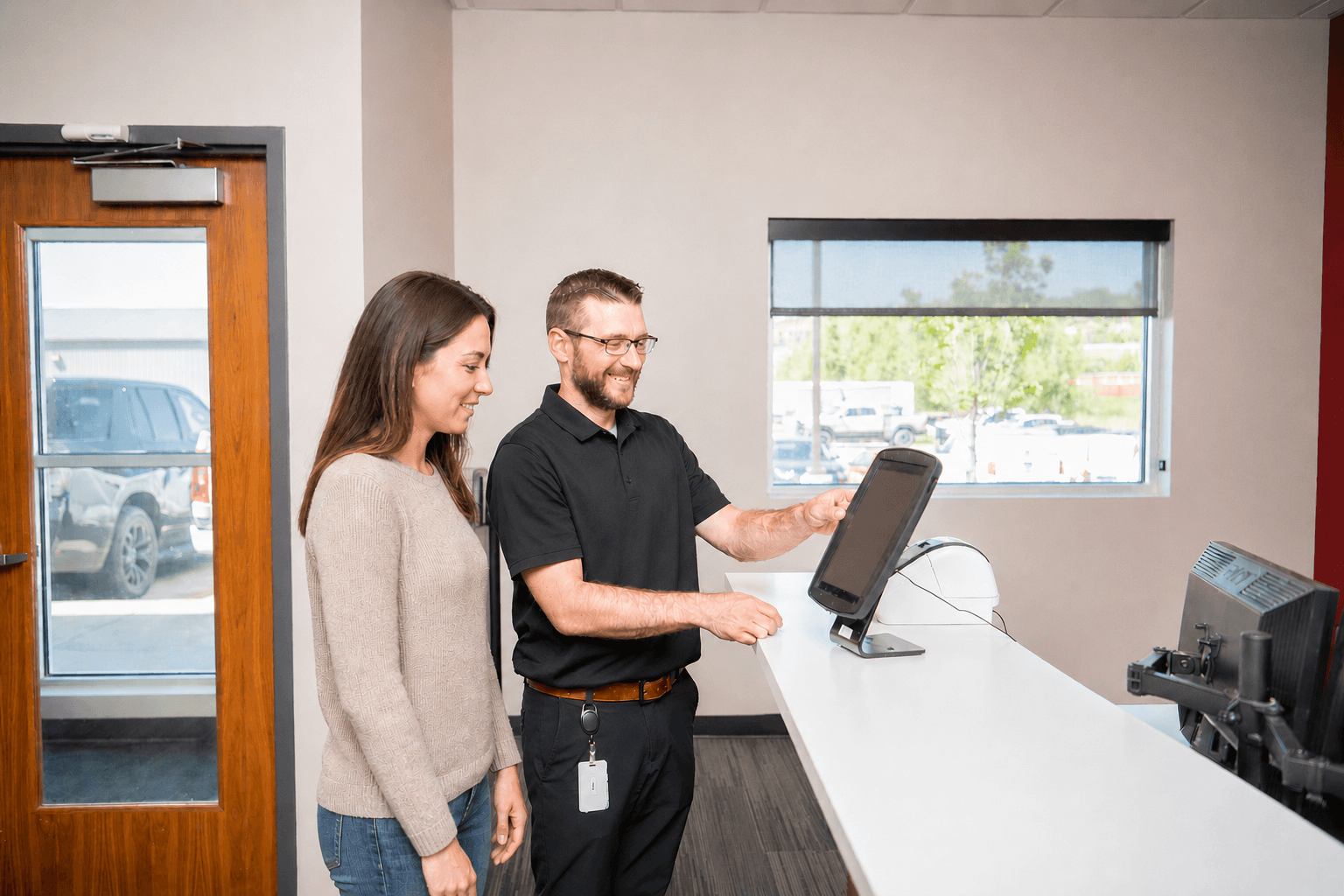
An intercom handles the communication occurring at the entrance. A broader visitor management process can handle expected guests, check-in procedures, authorization, credentials, and records of who entered the property.
Organizations planning these workflows can also review Prime Secured’s visitor management guide for a deeper look at how visitor entry fits into a coordinated building security strategy.
How Intercom Systems Integrate With Access Control
Intercoms and access control systems solve related but different problems.
The intercom helps answer: Who is requesting entry?
Access control helps answer: Should this person be allowed through this door?
When those technologies operate together, the entry process becomes much more useful.
A typical integrated workflow might look like this:
- Visitor requests entry through the intercom or video door station.
- An authorized person receives the call.
- The visitor’s identity and purpose are verified through audio or video communication.
- Access is approved by an employee, receptionist, resident, or security professional.
- The electronic door is released through the connected access control environment.
- The event can be recorded where the system supports access and audit logging.
Depending on the system design, the broader security environment may connect:
- Electronic locks and remote door release
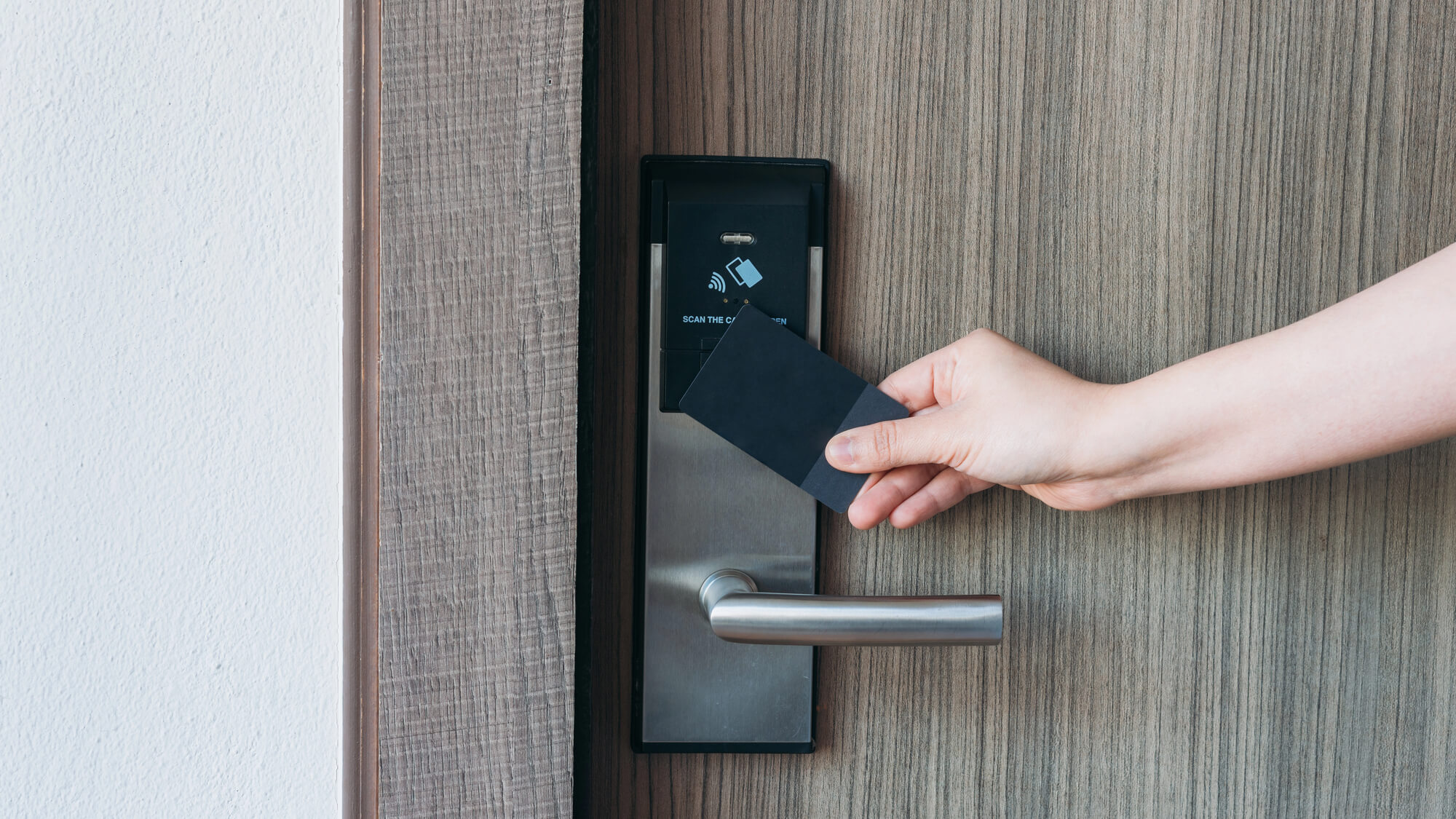
- Card and credential readers
- Mobile credentials and contactless entry systems
- Security cameras
- Visitor management software
- Audit logs
- Centralized security monitoring
This becomes increasingly important as properties grow.
Managing one entrance manually is relatively simple. Managing several buildings, dozens of doors, hundreds of employees, multiple tenants, or different levels of access is not.
Rather than treating an intercom as an isolated piece of equipment, organizations planning an upgrade should consider how it fits within the site’s broader access strategy.
Prime Secured’s guide to commercial access control systems provides additional guidance on credentials, controlled doors, and integrated access management.

Aiphone and 2N Commercial Intercom Systems
Aiphone and 2N are two leading manufacturers that organizations may encounter when evaluating commercial intercom systems.
Aiphone
Aiphone offers audio, video, IP, and multi-tenant intercom solutions across commercial and security applications. Depending on the system selected, capabilities can include visitor identification, network-connected door stations, mobile answering, controlled entrance release, and applications involving multiple entrances or buildings.
That range allows Aiphone equipment to appear in projects ranging from relatively straightforward entrance communication to larger commercial security deployments.
2N
2N focuses heavily on IP intercom and access technologies. Its portfolio includes IP video intercoms, indoor answering stations, access readers, mobile access, cloud-connected functionality, and remote entry capabilities.
Its IP-oriented approach can make 2N particularly relevant when an organization wants the intercom to operate as part of a broader networked access environment.
The manufacturer, however, is only one part of the decision. Ultimately, the platform and configuration that makes the most sense for an organization will be determined by:
- Building conditions
- Existing security systems
- Network design
- Required integrations
- Door hardware
- User experience
- Future scalability
What to Look for When Choosing a Commercial Intercom System
Use this buyer’s guide checklist when evaluating a new commercial intercom system or replacing legacy equipment:
- ☐ Audio or video intercom: Is voice communication sufficient, or do users need visual verification before granting entry?
- ☐ Analog or IP: What wiring and network infrastructure already exists?
- ☐ Access control integration: Can the intercom work with the property’s existing or planned access control platform?
- ☐ Remote door release: Who should be able to unlock entrances, and should they be able to do so off-site?
- ☐ Mobile app support: Do employees, residents, security personnel, or property managers need to answer calls from smartphones?
- ☐ Multi-tenant functionality: Does the system support a tenant directory and easy administration as residents or businesses change?
- ☐ Video capabilities: Consider camera resolution, video quality, viewing angle, low-light performance, night vision, and camera placement.
- ☐ Installation requirements: Review wiring, IP network availability, power, door hardware, and environmental conditions.
- ☐ Wireless connectivity: Determine where wireless technology provides useful flexibility and where wired connectivity may be preferable.
- ☐ Security and audit logs: Can important access and door-release events be recorded and reviewed?
- ☐ Scalability: Can additional doors, users, tenants, buildings, or locations be added later?
- ☐ Security system integration: Evaluate compatibility with visitor management, security cameras, elevators, access credentials, and other building systems.
The best solution is not necessarily the intercom with the longest feature list.
It is the system whose capabilities match how people actually enter, use, secure, and manage the property.
Emerging Features in Commercial Intercom Systems
Commercial intercom technology continues to converge with other smart-building and security systems.
Several developments are influencing newer platforms:
- Artificial Intelligence may support increasingly sophisticated video intercom analytics and event handling.
- Internet of Things (IoT) connectivity can enable intercoms to communicate with other building technologies.
- Automated visitor workflows can connect communication, verification, access, and recordkeeping.
Consumer platforms such as Amazon Alexa, Apple Home, and Google Home demonstrate the broader movement toward connected environments. Commercial properties, however, generally have more demanding requirements for security controls, user administration, integrations, scalability, and auditability.
For commercial buyers, the more important trend is convergence: intercoms are increasingly becoming part of a connected physical security environment rather than operating solely as standalone communication devices.
Planning a Commercial Intercom Installation
A successful commercial intercom installation starts with the property, not the product catalog.
Before selecting equipment, ask:
- How many entrances require intercom coverage?
- Who should answer calls at each entrance?
- Are gates, parking garages, loading areas, or elevators involved?
- Can existing wiring be reused?
- Is an IP network available at each required location?
- Does the intercom need to integrate with an existing access control system?
- How many employees, tenants, or residents need to use the system?
- Will users need mobile or remote access?
- Are security cameras or visitor management systems already installed?
- How much expansion is expected over the next several years?
A retrofit project may have very different requirements from new construction, which makes an assessment of the existing infrastructure particularly important.
Thinking about these technologies together can prevent an organization from investing in an intercom that works at the door but creates limitations everywhere else.
Bring Intercom and Access Control Together
Choosing among commercial intercom systems involves more than comparing cameras, speakers, touchscreens, or mobile apps.
The right solution depends on:
- Who uses the property
- Which entrances need to be protected
- How visitors are handled
- What infrastructure is already in place
- Which security systems need to be integrated
- How the property may grow or change
For many commercial properties, the stronger approach is to design audio and video intercoms, access control, visitor management, security cameras, and door hardware as parts of the same entry strategy.
That means the intercom does more than facilitate a conversation. It becomes one component of a larger process for identifying visitors, determining whether access should be granted, controlling the physical entrance, and maintaining visibility into activity at the property.
Book a free network assessment so Prime Secured can help your organization review its existing environment and design a commercial intercom and access control solution around the needs of the property, rather than forcing the property to fit a particular piece of technology.