Skip to content

Password Security is As Critical as Ever
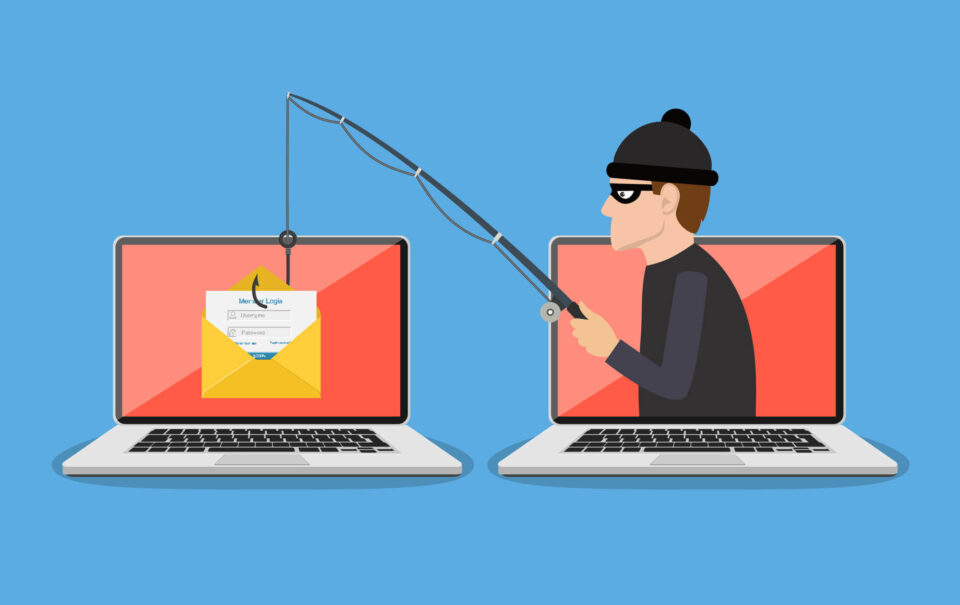
A staggering 80% of security breaches are traced back to compromised passwords—that are either stolen, reused, or weak. This statistic uncovered by LastPass is alarming for business owners and equally concerning for individual users. A password is often the only barrier between cybercriminals and your sensitive information. That’s why we’re here to guide you through the essential do’s and don’ts of password management. By adopting password best practices, you can prevent yourself from becoming part of that daunting 80%.
Step one on your checklist to improved cybersecurity should start with robust password protection. It’s the cornerstone of securing an entity’s data, ensuring that only those armed with the right passwords can access protected information or accounts. Yet, the ubiquity of passwords has led to a dangerous complacency. Too often, their critical importance is overshadowed by routine, leading to careless blunders that pave the way for security breaches. Let’s uncover these top 6 password don’ts:
6 Password Don'ts
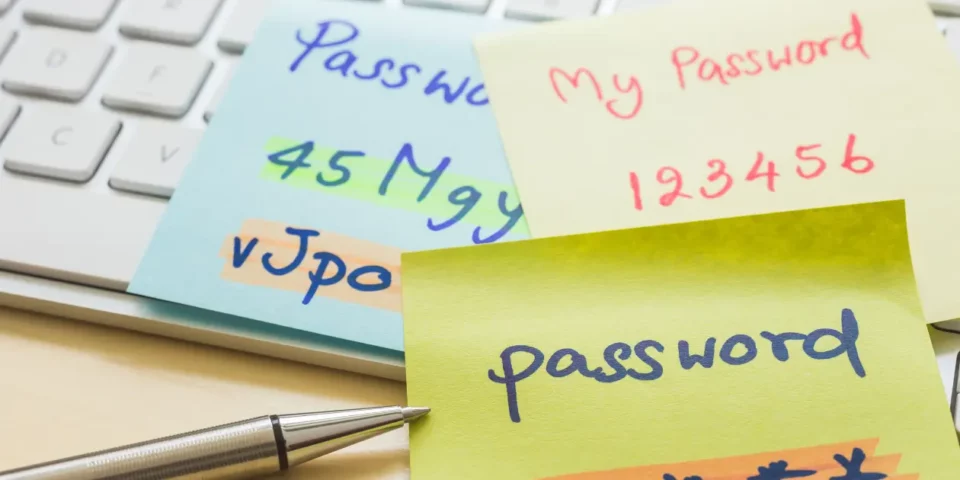
1. Don’t write passwords on sticky notes
Although you may feel that writing down passwords improves password protection and makes it more difficult for someone to steal your passwords online, it can make it easier for someone to steal your passwords in person.2. Don’t save passwords to your browser
This is because web browsers are terrible at protecting passwords and other sensitive information like your name and credit card number. Web browsers can easily be compromised and a wide range of malware, browser extensions and software can extract sensitive data from them.3. Don’t iterate your passwords (for example, PowerWalker1 to PowerWalker2)
Although this is a common practice among users, it is unlikely to protect against sophisticated cyberthreats. Hackers have become far too resourceful and can crack iterated passwords in the blink of an eye.4. Don’t use the same password across multiple accounts
You’re essentially rolling out the red carpet for cybercriminals, offering them a golden ticket to exploit not just one, but all of your accounts. Pause for a moment and consider the magnitude of information at stake if every one of your accounts were breached.5. Don’t capitalize the first letter of your password to meet the “one capitalized letter” requirement
Out of habit, most of us tend to capitalize the first letter of our passwords to conform with the “one capitalized letter” requirement. However, hackers are aware of this, making it easy for them to guess the capitalized letter’s position.6. Don’t use “!” to conform with the symbol requirement
When using an exclamation point in your password, avoid placing it at the end. Tucking it elsewhere in your password sequence significantly boosts its security. Additionally, we recommend varying your special character choices. The exclamation point, while popular, is also the most commonly used, making it a less secure option. Consider other symbols to enhance your password’s strength.6 Password Do's
1. Create long, phrase-based passwords that exchange letters for numbers and symbols
For instance, if you choose “Honey, I shrunk the kids,” write it as “h0ney1$hrunkth3k!d$.” This makes your password harder for hackers to crack.2. Change critical passwords every three months
Passwords protecting sensitive data must be handled with caution because there is a lot at stake if they are compromised. If you use a password for a long time, hackers may have enough time to crack it. Therefore, make sure you change your critical passwords every three months.3. Change less critical passwords every six months
This requires determining which passwords are crucial and which are less so. But no matter how important they are, it’s always a good idea to change your passwords every few months.4. Use multi-factor authentication
It’s your responsibility to do everything in your power to keep nefarious cybercriminals at bay. One of the best approaches is to barricade them with multiple layers of authentication. With all the resources out there making it easier to hack passwords, we say multi-factor authentication (MFA) is an absolute must. AI-powered password cracking is a trending tactic, which is why we heavily emphasize implementing MFA for all of your accounts. Review this resource to learn more about AI password cracking and prevention.5. Use complex passwords, longer than 8 characters
Always create passwords that exceed eight characters, incorporating a mix of numbers, letters, and symbols. The more complicated things are for hackers, the better. A pro tip from our IT department: choose a phrase from a favorite movie and intersperse letters, numbers, and symbols throughout.6. Use a password manager
A password manager can relieve the burden of remembering a long list of passwords, freeing up time for more productive tasks.Need a Password Manager? We Can Help
Maintaining strong password hygiene is a continuous effort that involves keeping abreast of best practices, new technologies, and techniques to further protect your data. It also includes ensuring that your password policies are rigorously enforced. This can seem overwhelming. If you’re seeking guidance on where to begin, a network assessment is a great starting point. Prime Secured is pleased to offer a complimentary assessment and share the findings with you. Regarding the enforcement of password best practices in 2023, our assessments of over 30 companies revealed that 78% did not enforce a password policy. This means that, left to their own devices, employees were often practicing the very behaviors advised against in password security.
Request your free network assessment
Interested in learning more about cybersecurity best practices? We recommend these additional resources:
- Four Important Ways to Improve Data Security
- Cybersecurity Insurance: Is It Worth Your Investment?
- AI in Cybersecurity: 7 Ways Artificial Intelligence can Keep You Safe
- Stop Ransomware: Your Checklist to Mitigate Malware Attacks